Topic Settings
You can view and modify the settings of the current topic. Each topic setting has a default value, which can be overridden per topic.
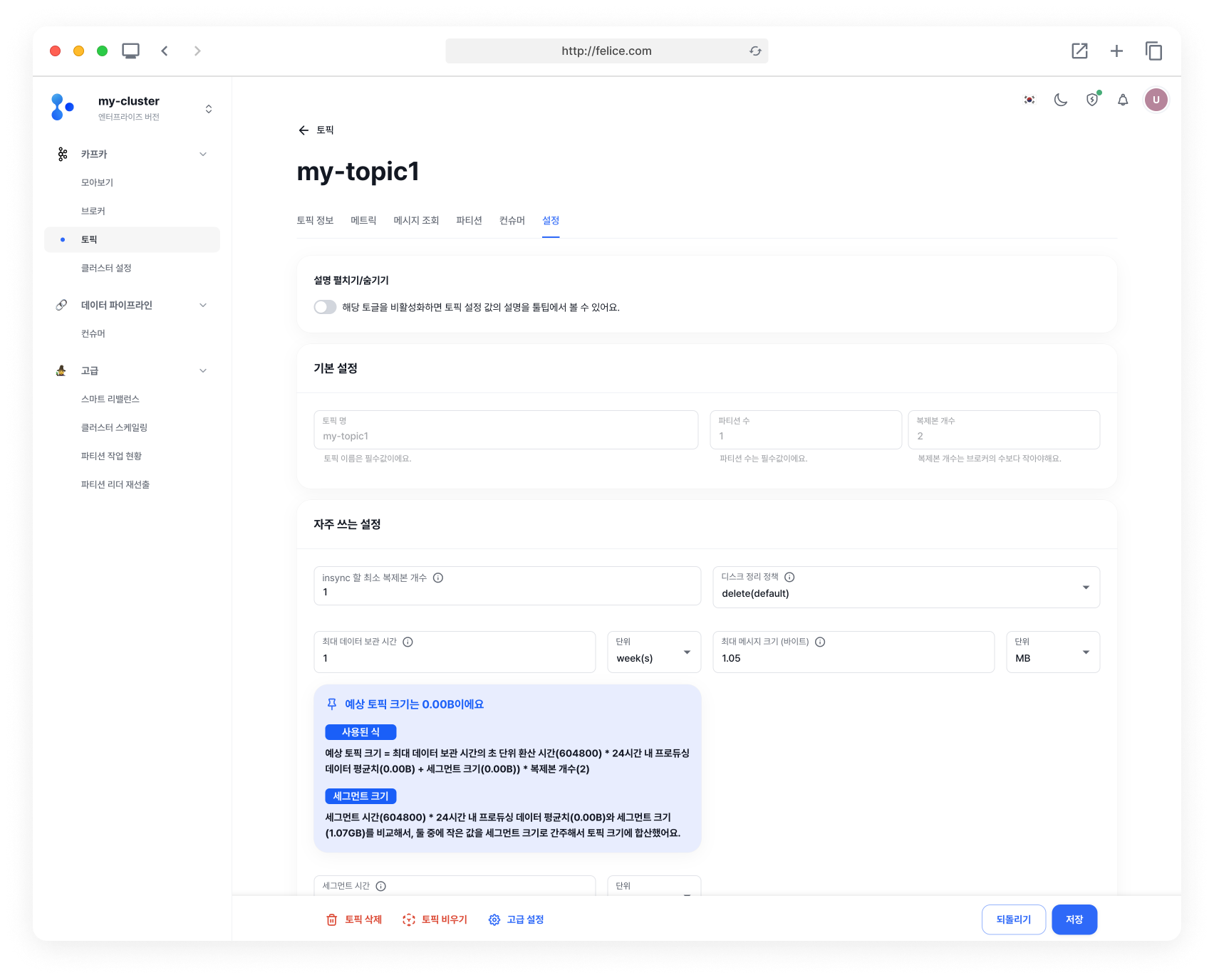
By disabling the toggle, you can view the detailed descriptions for each topic setting. Use these descriptions as reference to modify your topic settings.

Basic Settings
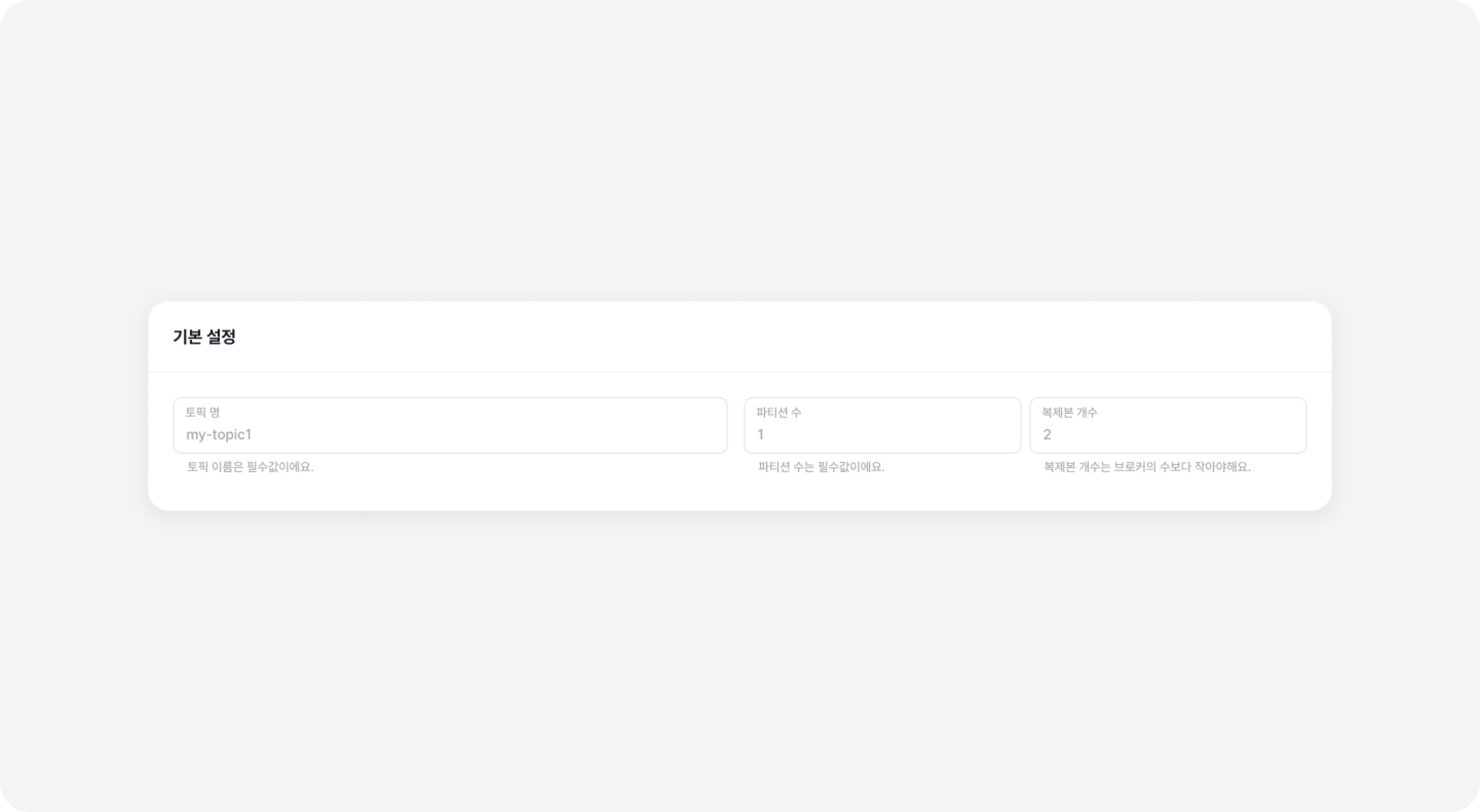
These are the basic settings configuring a topic. To change the Topic Name, you will need to delete and recreate the topic.
Frequently Used Settings
We have compiled the commonly used configurations for creating a topic.
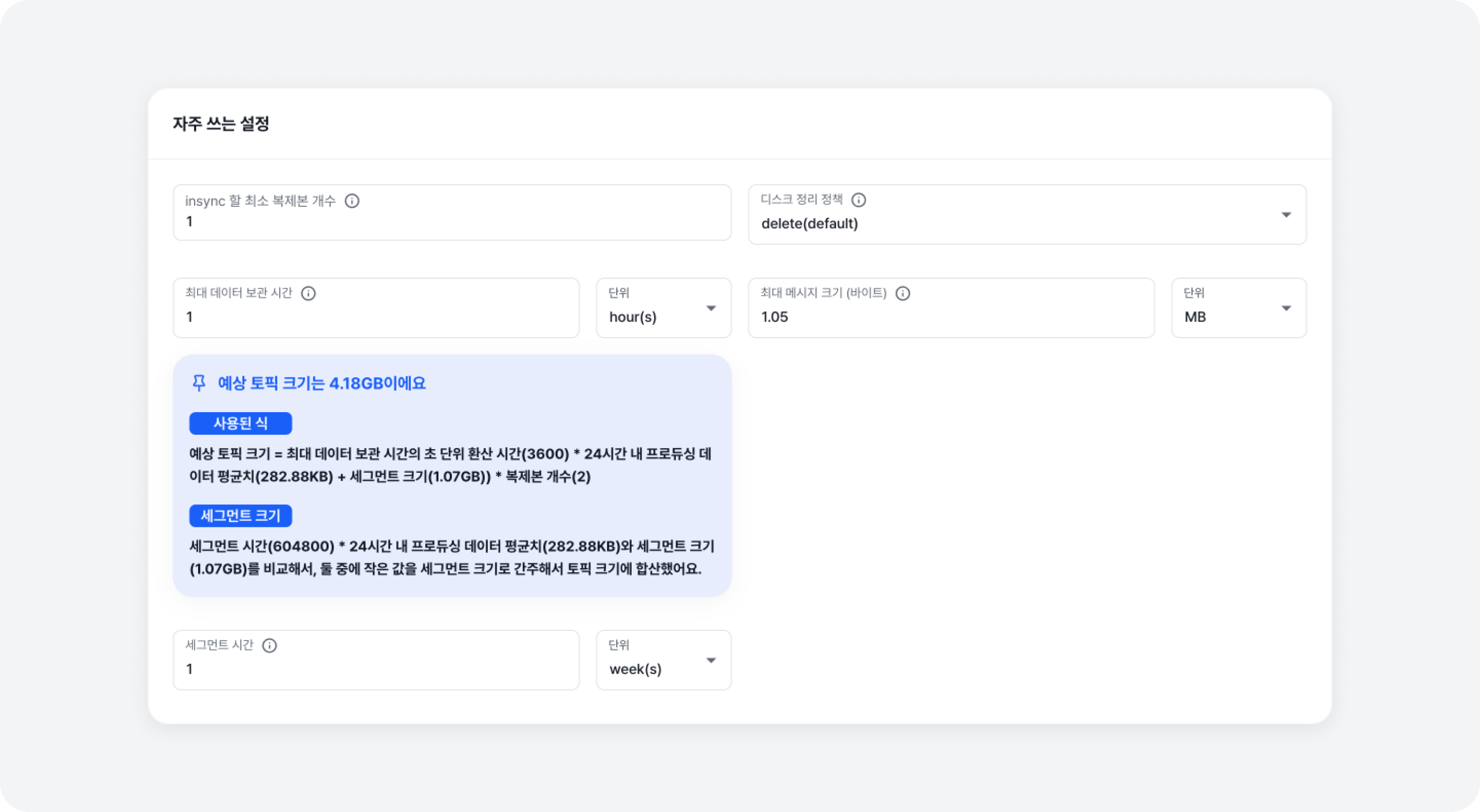
| Section | Setting | Value | Default |
|---|---|---|---|
| Replication | Minimum insync replicas | min.insync.replicas | 1 |
| Manage Disk | Clean-up policy | cleanup.policy | 'delete', 'compact', 'delete, compact (both)' |
| Manage Disk | Time to retain data | retention.ms | 604800000 ms (7 days) |
| Message | Maximum message size in bytes | max.message.bytes | 1048588 bytes (1MB) |
| Segment | Segment time | segment.ms | 604800000 ms (1 week) |
A tool is provided to easily calculate the estimated size of the topic after its settings are changed. This allows you to check in advance the impact of the altered topic settings.
Advanced Mode
Replication
In the Replication Section, you can view and modify the replication settings of a topic. Replication settings are crucial for preventing data loss and ensuring data stability.
| Setting | Value | Default |
|---|---|---|
| Minimum insync replicas | min.insync.replicas | 1 |
| Throttled replicas (leader side) | leader.replication.throttled.replicas | "" ([partitionId]:[brokerId],...) |
| Throttled replicas (follower side) | follower.replication.throttled.replicas | "" ([partitionId]:[brokerId],...) |
Manage Disk
Manage Disk Section includes settings for managing the retention and deletion methods of log data in Kafka. Manage Disk settings are important for optimizing Kafka's storage usage, and efficiently processing old data.
| Setting | Value | Default (Option and Unit) |
|---|---|---|
| Clean-up policy | cleanup.policy | 'delete', 'compact', 'delete,compact (both)' |
| Bytes to retain data | retention.bytes | -1 (no limit) |
| Time to retain data | retention.ms | 604800000 ms (7 days) |
Clean-up Policy: compact Option
In Manage Disk Section > Clean-up policy settings, the additional settings applied when selecting the 'compact' option, control the detailed behavior of the log segment compaction process. Message Compaction removes duplicate key messages from the messages containing key-value pair data, and retains only the latest message for each key, thereby using disk space more efficiently. This is particularly useful for applications that store status information (such as user sessions, event progress, etc.) and contributes to more efficient data retention and improved query performance.
| Setting | Value | Default |
|---|---|---|
| Time to retain delete tombstone markers | delete.retention.ms | 86400000 ms (24 hours) |
| Maximum time to retain ineligible messages before compaction | max.compaction.lag.ms | 9223372036854775807 ms (about 292 years) |
| Minimum time to retain ineligible messages before compaction | min.compaction.lag.ms | 0 ms |
| Cleaning Frequency | min.cleanable.dirty.ratio | 0.5 (50%) |
Message
Message Section includes detailed settings related to message processing.
| Setting | Value | Default |
|---|---|---|
| Maximum message size in bytes | max.message.bytes | 1048588 bytes (1MB) |
| Message format version | message.format.version | Same version as Kafka Cluster |
| Message timestamp type | message.timestamp.type | 'CreateTime', 'LogAppendTime' |
| Maximum difference allowed between the timestamp | message.timestamp.difference.max.ms | 9223372036854775807 ms (about 292 years) |
| Down-conversion of message | message.downconversion.enable | true, false |
| Compression type | compression.type | 'uncompressed', 'zstd', 'lz4', 'snappy', 'gzip', 'producer' |
Flush
Flush Section determines how frequently messages will be written to disk.
| Setting | Value | Default |
|---|---|---|
| Flush messages | flush.messages | 9223372036854775807 ms (about 292 years) |
| Time to flush message | flush.ms | 9223372036854775807 ms (about 292 years) |
A flush refers to the process of writing messages to the disk. Kafka first writes messages to memory, and then after a certain amount of time or a certain number of messages have accumulated, it writes the messages to the disk.
Segment
Segment Section deals with settings closely related to Kafka's data storage methods. Kafka stores data in file units called log segments, which make up the partitions of a topic. By configuring segment settings, you can adjust Kafka's storage efficiency, data access speed, and overall system performance. This section includes key settings such as segment creation, rolling, deletion, and indexing.
| Setting | Value | Default |
|---|---|---|
| Maximum random jitter | segment.jitter.ms | 0 ms |
| Segment file size | segment.bytes | 1073741824 bytes (1.07GB) |
| Segment time | segment.ms | 604800000 ms (1 week) |
| Segment index | segment.index.bytes | 10485760 bytes (10.49MB) |
| Time to delete file | file.delete.delay.ms | 60000 ms (1 minute) |
| Preallocate a new segment | preallocate | true, false |
Others
| Setting | Value | Default |
|---|---|---|
| Unclean leader selection | unclean.leader.election.enable | true, false |
| Offset interval | index.interval.bytes | 4096 bytes (4KB) |