Notice
Display notices for your users of Felice on the dashboard. You can register up to 1 Top Banner and 5 Pop-up Banners for announcements.
First, click on the [Shield Icon > Notice] menu in order to access the notice management page.
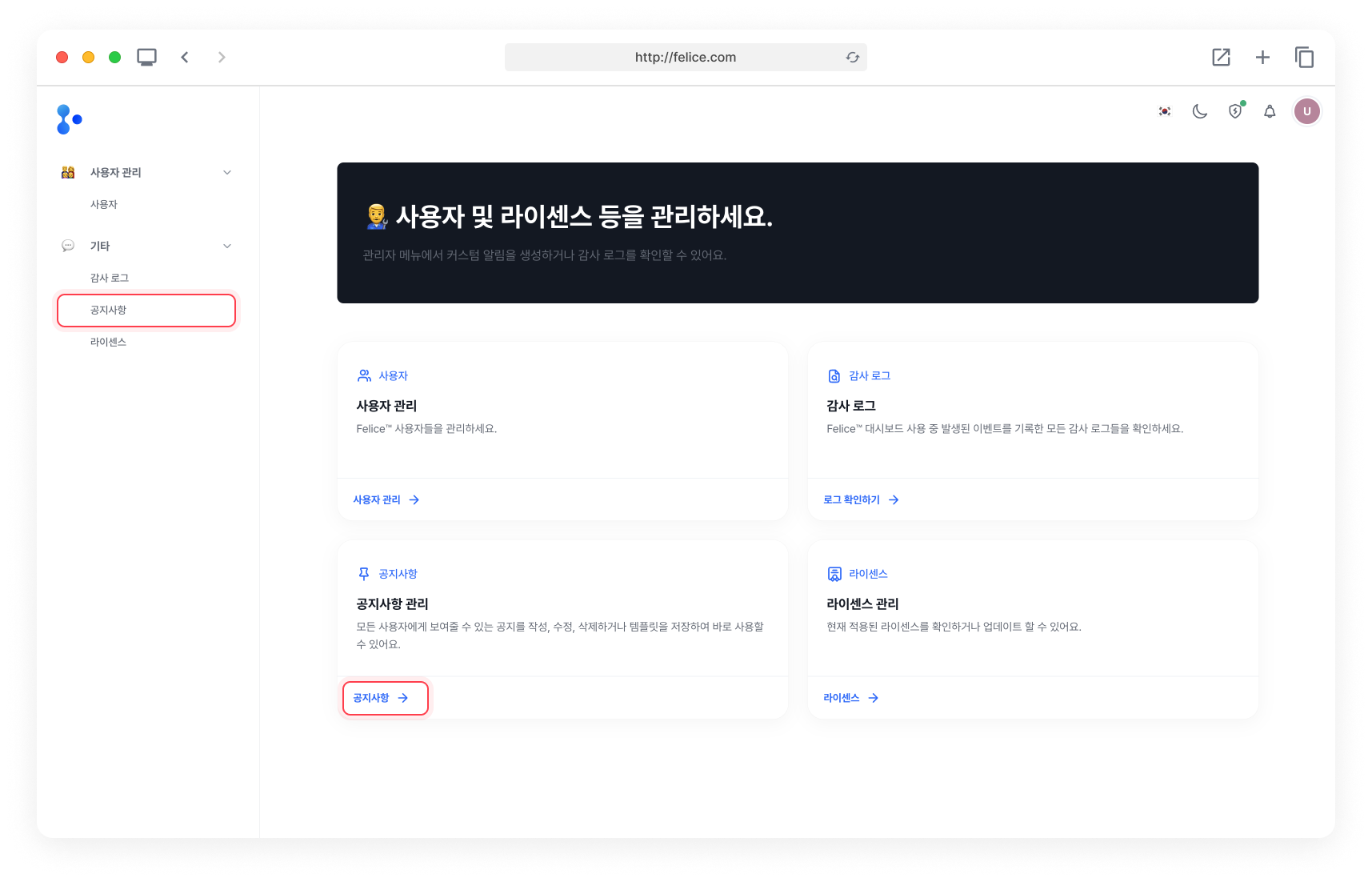
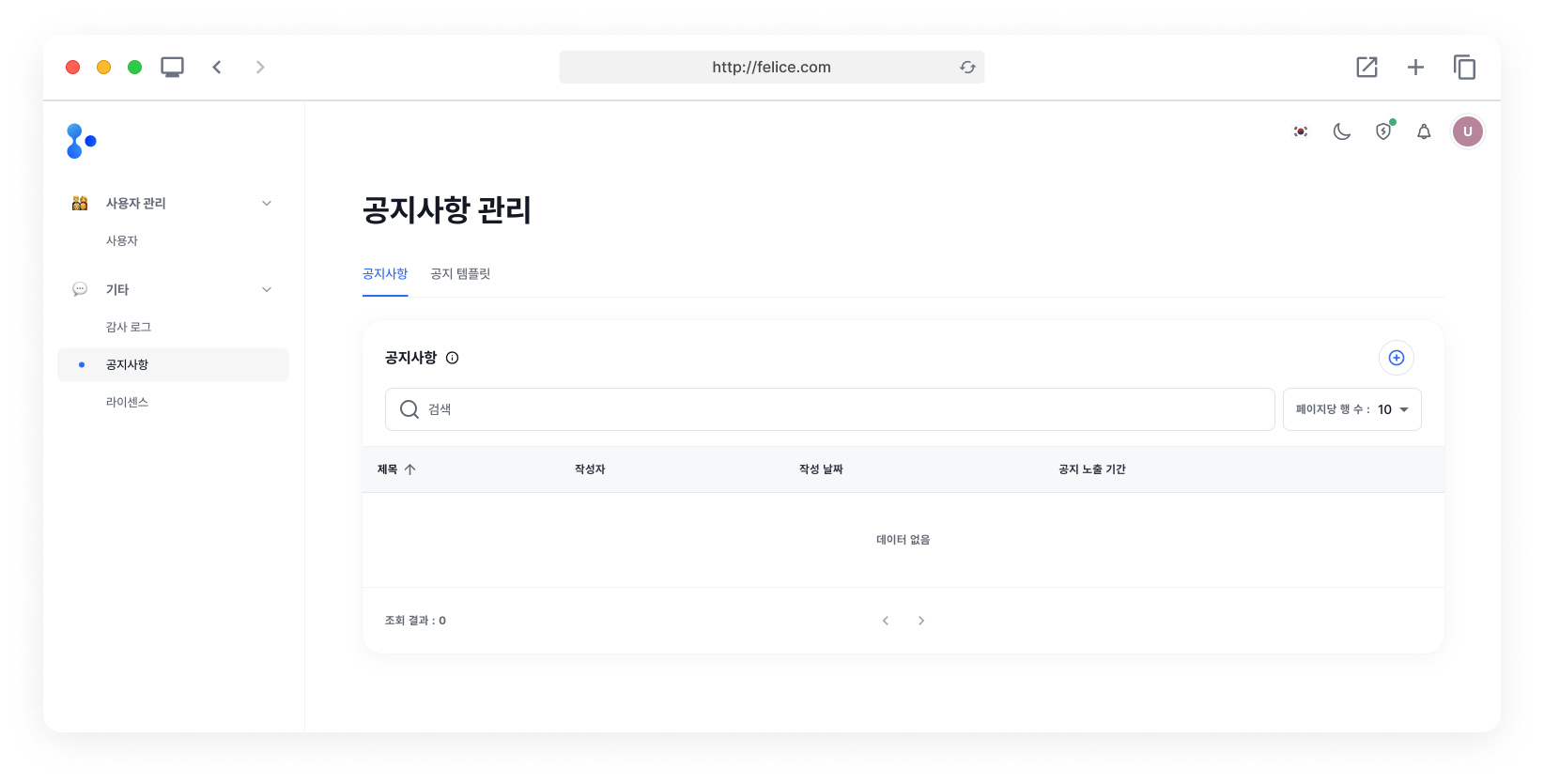
Notice List
You can view the list of created notices.
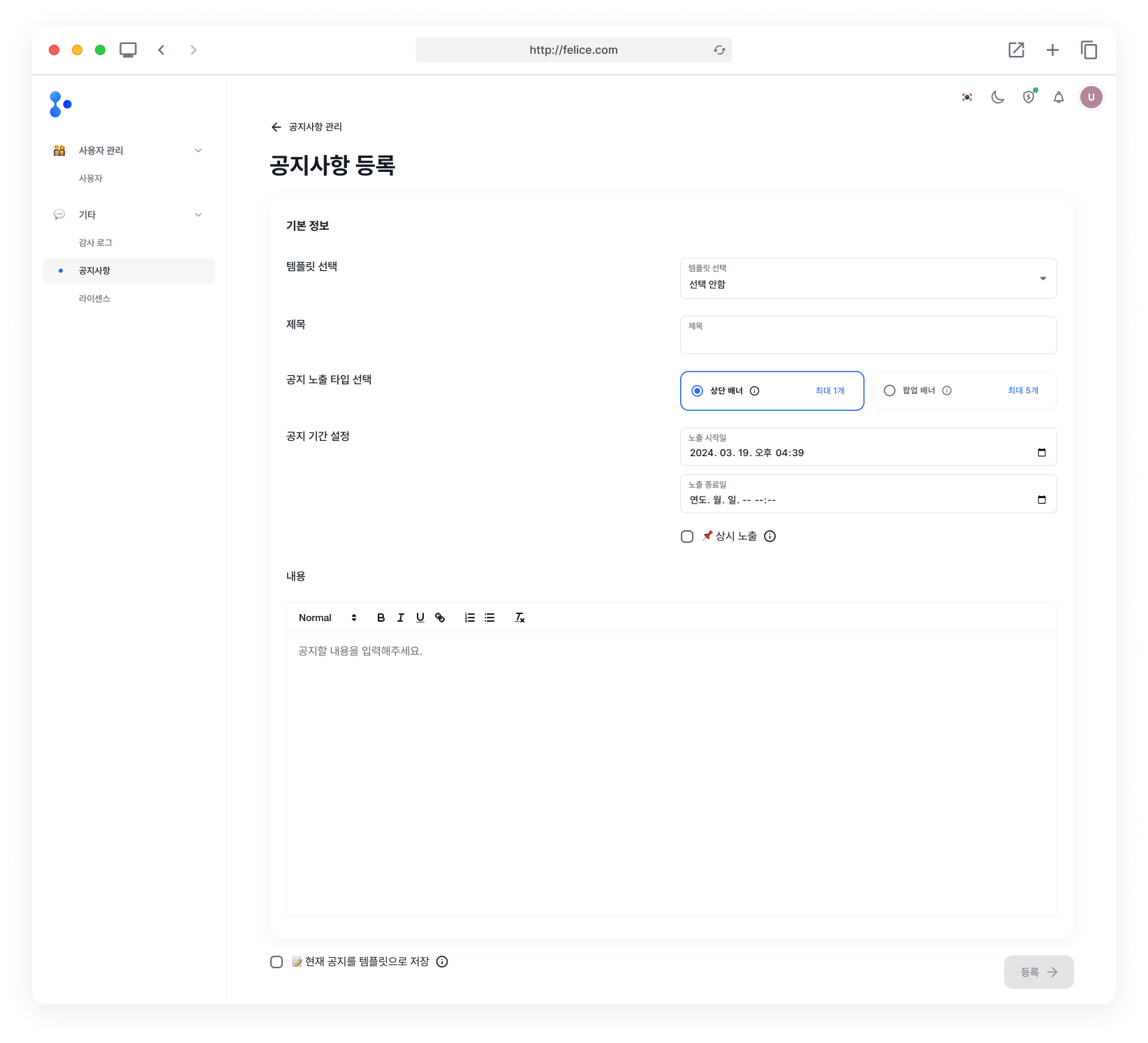
Registering Notice
Click on the [Plus] button at the top right corner of the notice list to enter the Register notice page.
Notice Input Fields
| Field | Description |
|---|---|
| ⓵ Select template | Select a template for the notice (default: Not selected) |
| ⓶ Title | Title of the notice |
| ⓷ Notice display type | Select the notice display type (Top Banner, Pop-up Banner) |
| ⓸ Notice period | Set the period during which the notice will be displayed (select 'Continuous display' for indefinite display) |
| ⓹ Content | Content of the notice |
You can display the notices during your desired period only, by selecting a Display start date and a Display end date. If you select [Continuous display], the notice will always remain visible unless you delete it or set an end date.
If you want to save the current notice as a notice template, select **[Save Current Notice as Template] checkbox at the bottom left.
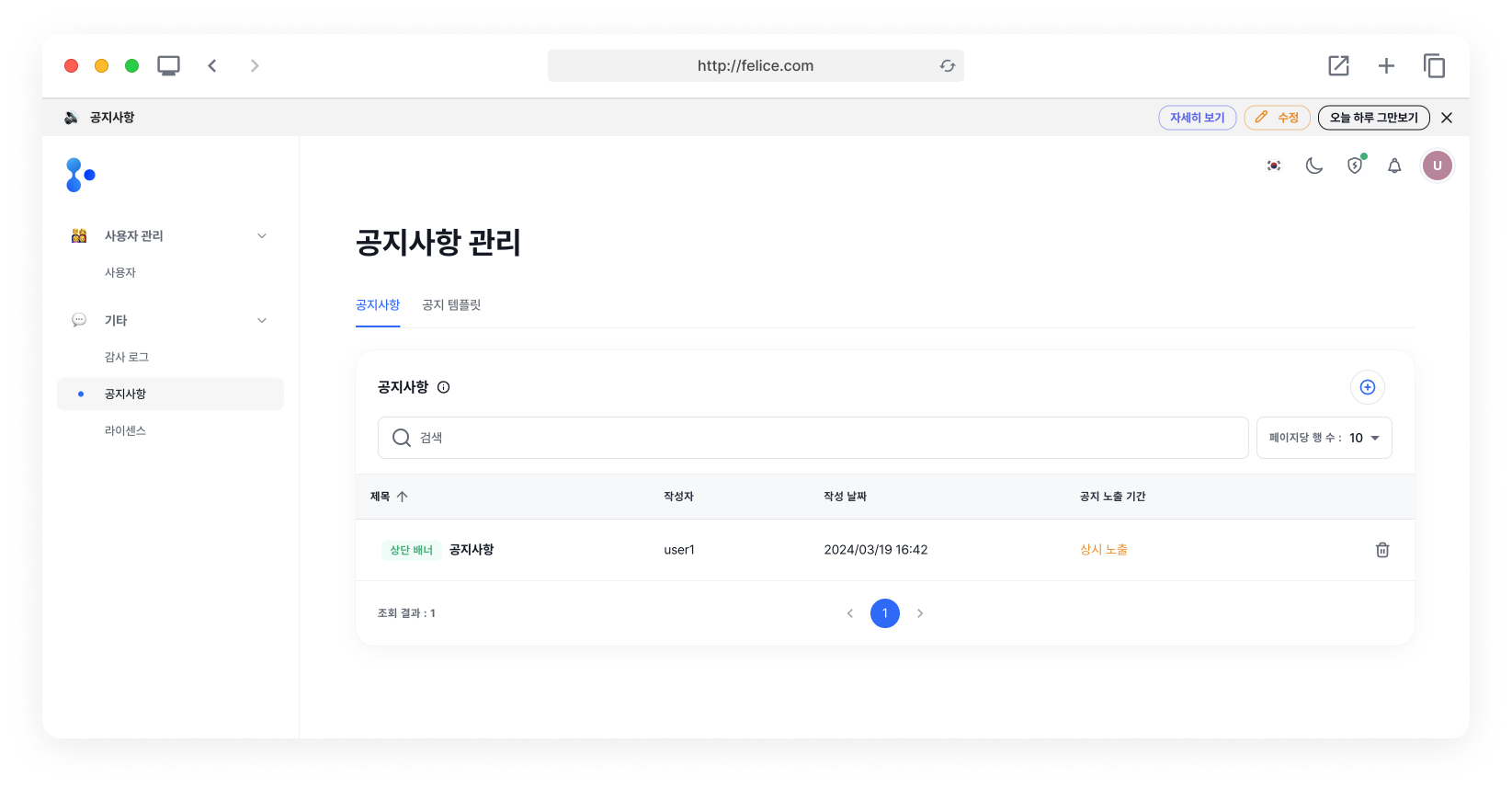
Top Banner
If you create a notice as a Top Banner, it will appear at the very top of the dashboard.
Pop-up Banner
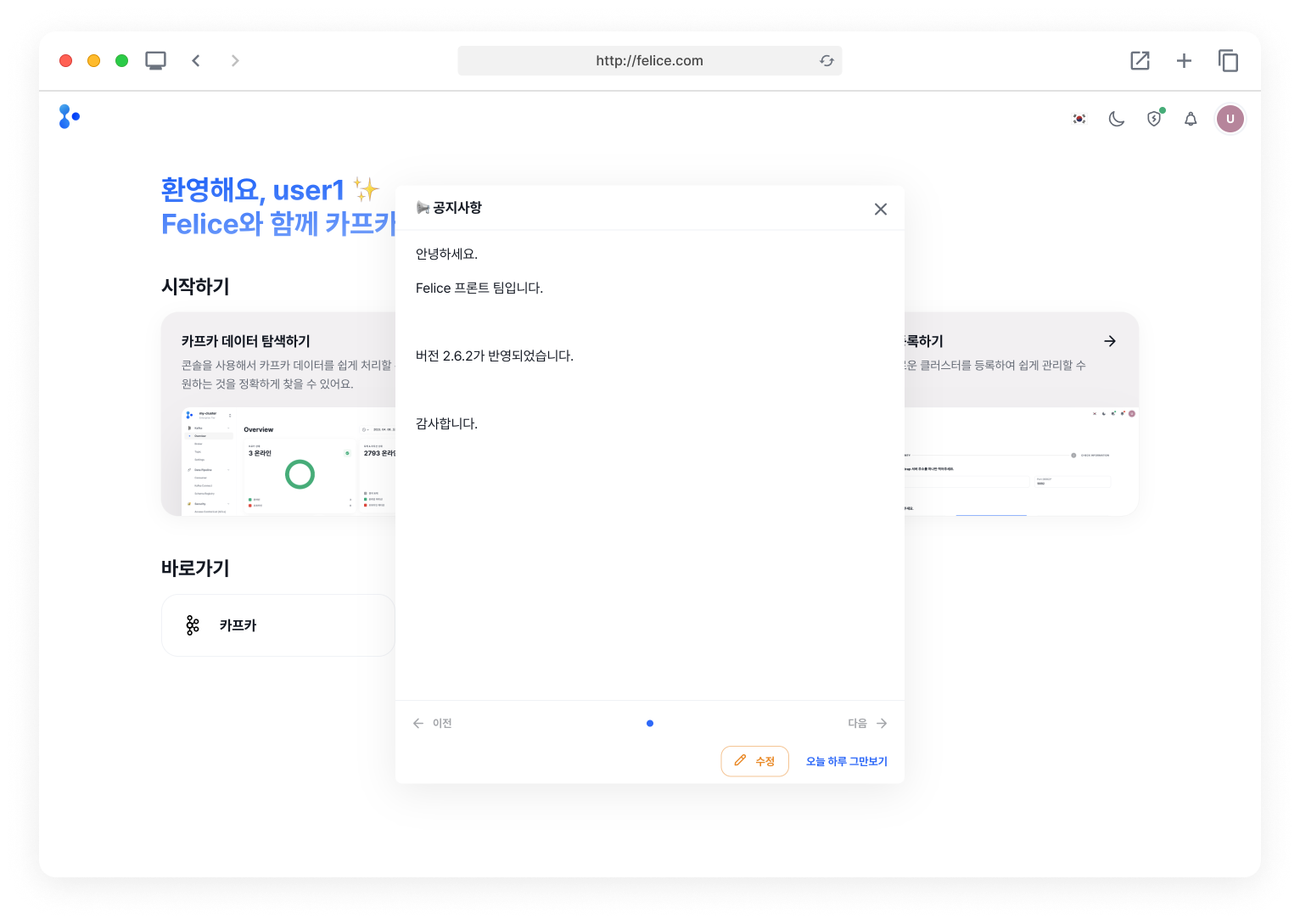
If you create a notice as a Pop-up Banner, it will appear at the center of the page as a modal.
Deleting Notice
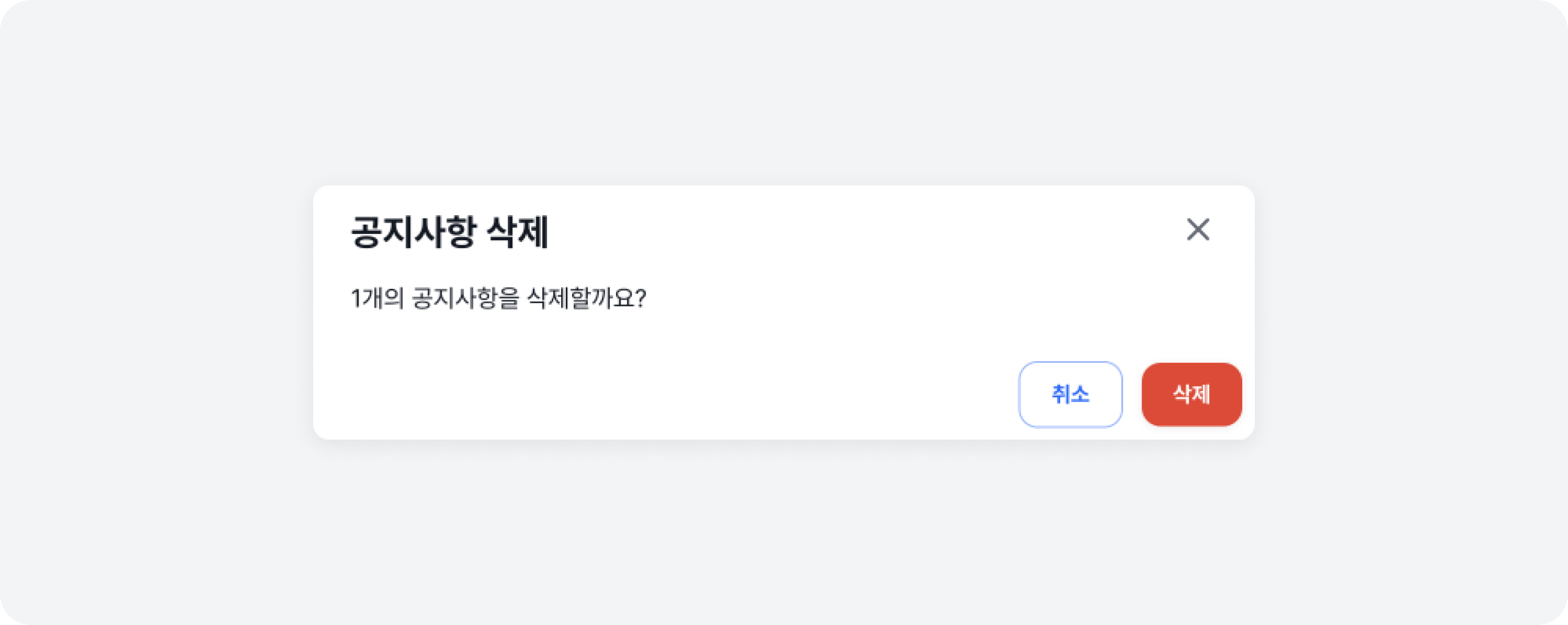
You can delete a notice you no longer need. From the list, click on the [Trash Can Icon] located on the right side of the specific notice row to delete it.
Remind me tomorrow
If you click the [Remind me tomorrow] button on the top banner or pop-up banner, the notice will no longer be displayed for the rest of the day.
- Even if you click [Remind me tomorrow], the modified or newly created top banners and pop-up banners will be displayed again if any updates or new content are made.
- The visibility of the banners is stored in the browser's cache, not on a per-user basis. Therefore, if you log in with a different account, the previously set banner visibility settings will still be applied. Also, be aware that when accessing in incognito mode or from another computer, the settings may reset to the default state, not reflecting any previously saved preferences. :::