Emptying & Deleting Topic
Emptying Topic
It deletes all messages in the current topic, but not the actual topic. Click on the [Empty] button and confirm your action to empty the topic and delete all the messages in the topic.
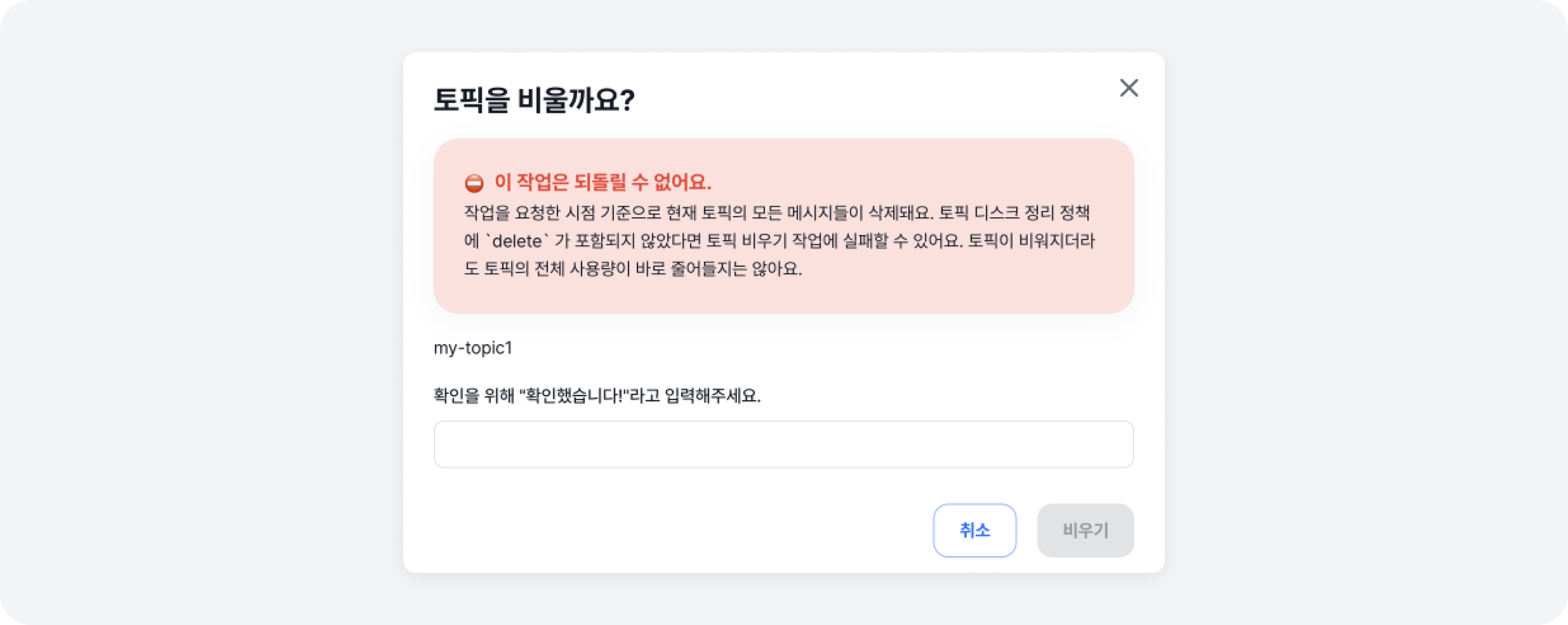
Message deletion invalidates the messages, making recovery impossible. Therefore, please proceed with deletion carefully.
Message deletion is handled by invalidating messages before a specific offset, so the topic size does not immediately decrease.
Deleting Topic
You can delete a topic by clicking on the trash can icon, or by selecting the topics you wish to delete. If you want to delete a topic, review the warning displayed in the modal and enter I UNDERSTAND! to proceed with topic deletion.
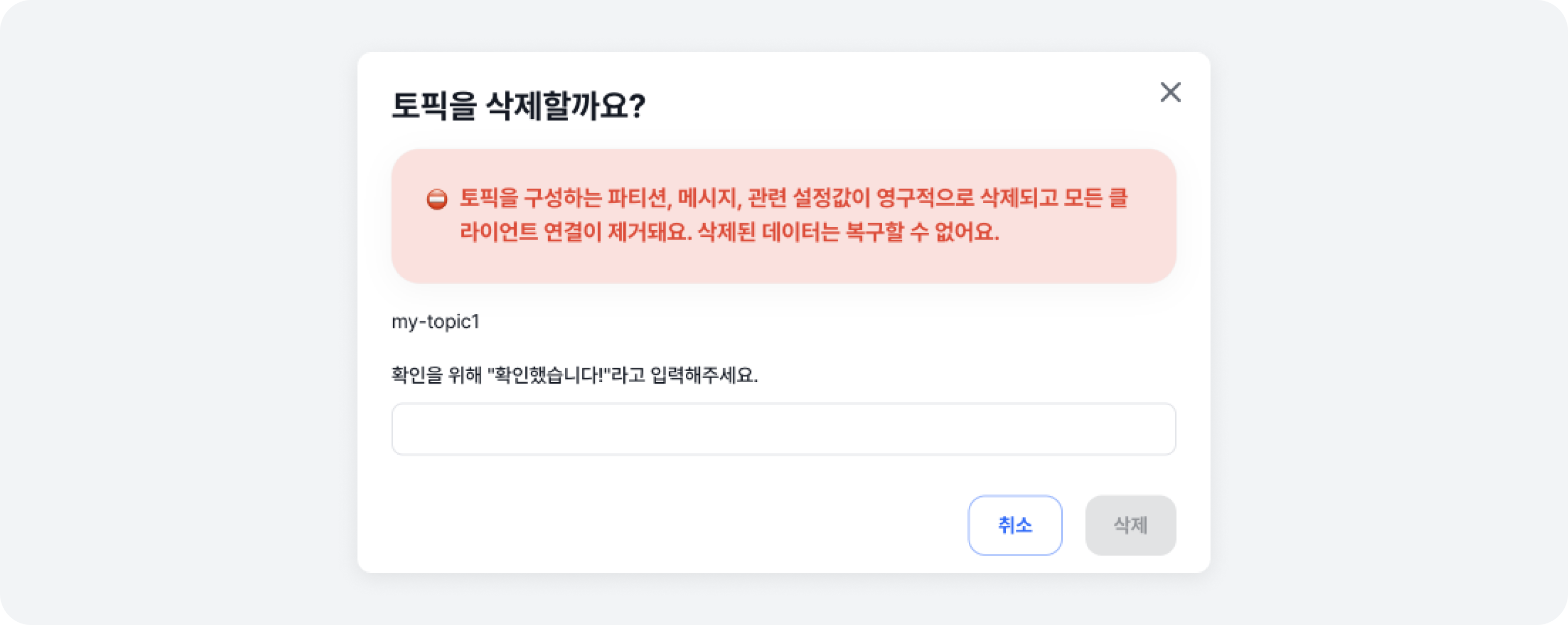
Deleting a topic will permanently remove all partitions, messages, and related settings configuring the topic, and disconnect all client connections. Additionally, the data cannot be recovered once they are deleted, so please proceed carefully.