My Settings
You can change the settings for the logged-in user (edit tags, delete account) as well as for the dashboard.
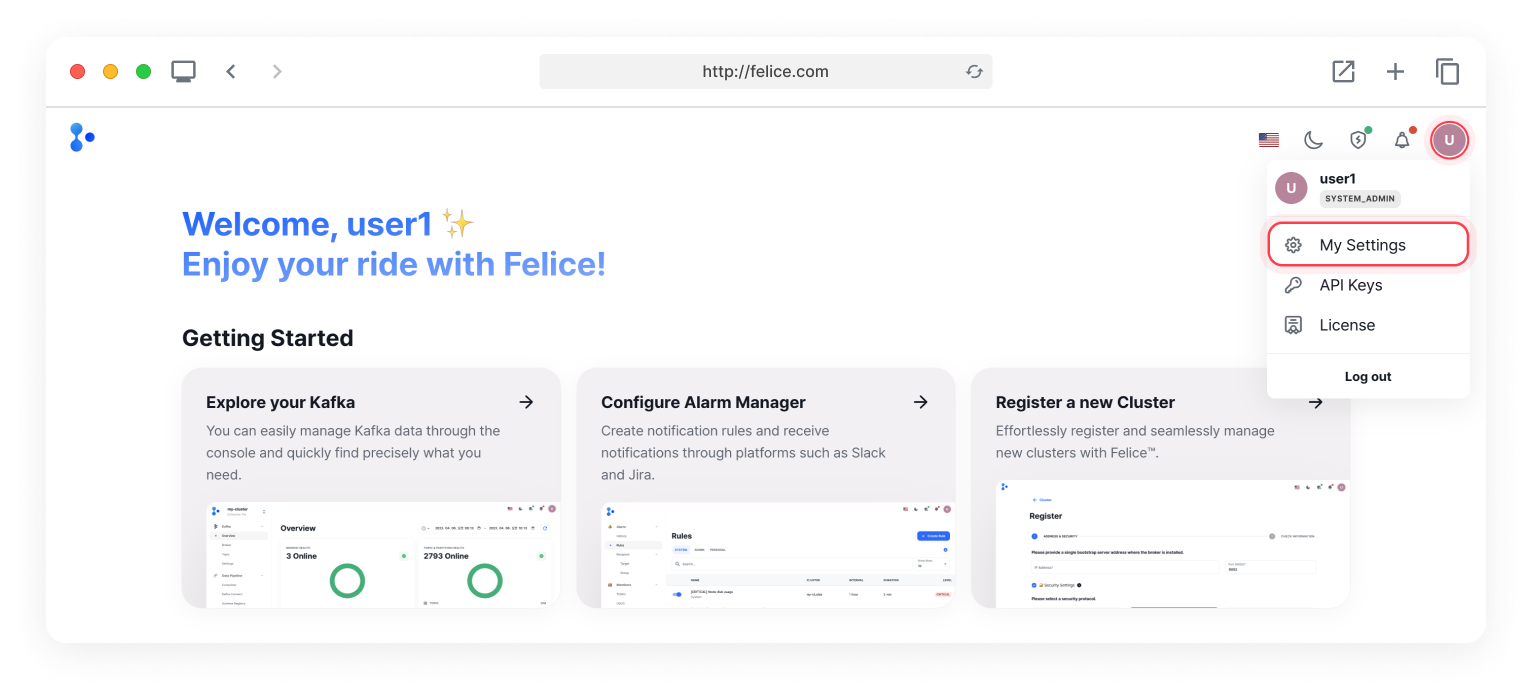
After logging in, select the Username Icon with your initial alphabet > My Settings in the top right to access My Settings page.
General
You can modify settings for the logged-in user (change password, edit tags, delete account).
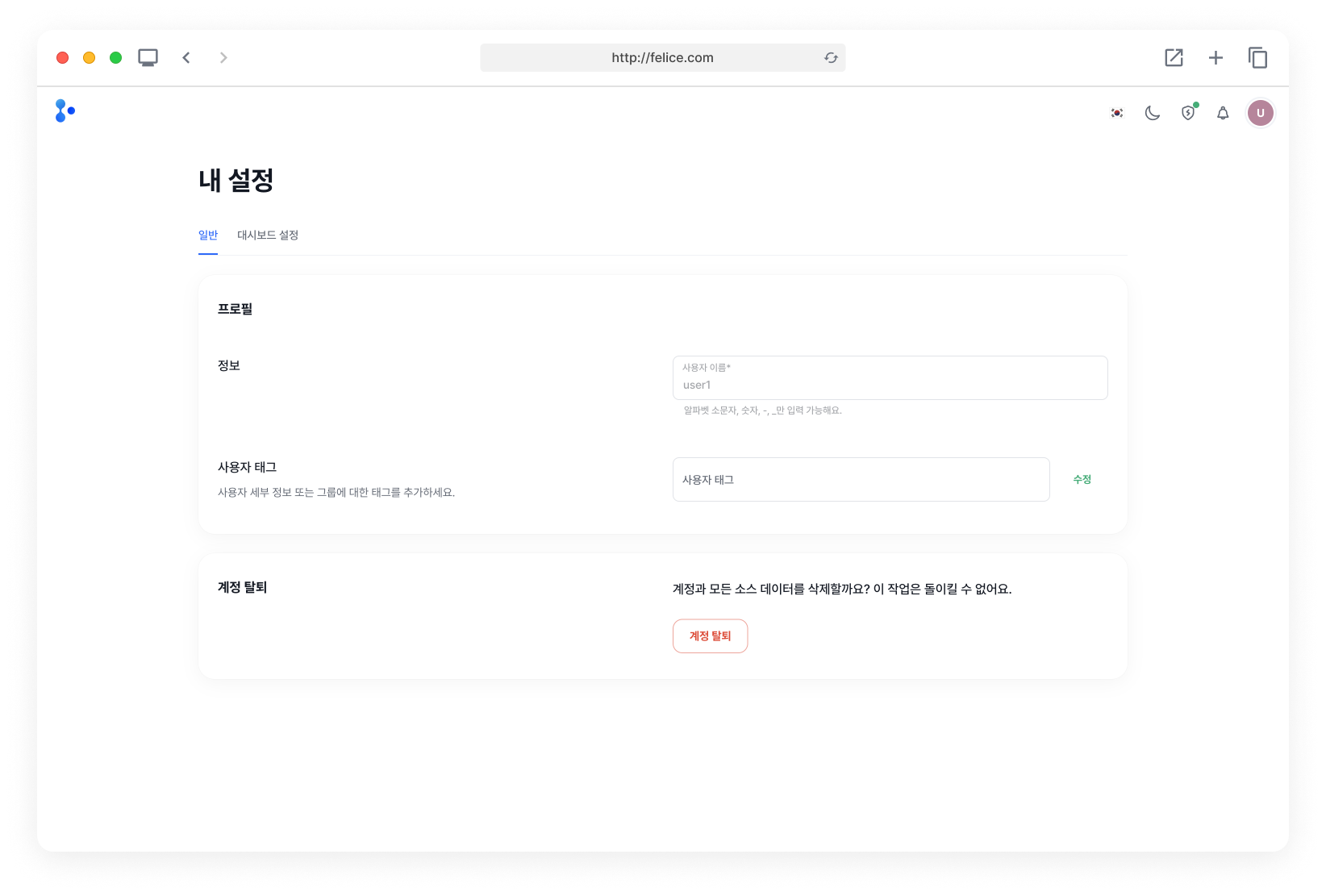
Editing Tags
To update user tags, delete existing tags or add new ones in the field, hit Enter on your keyboard, then click on the [Add] button to apply the changes on tags for the current logged-in user account.
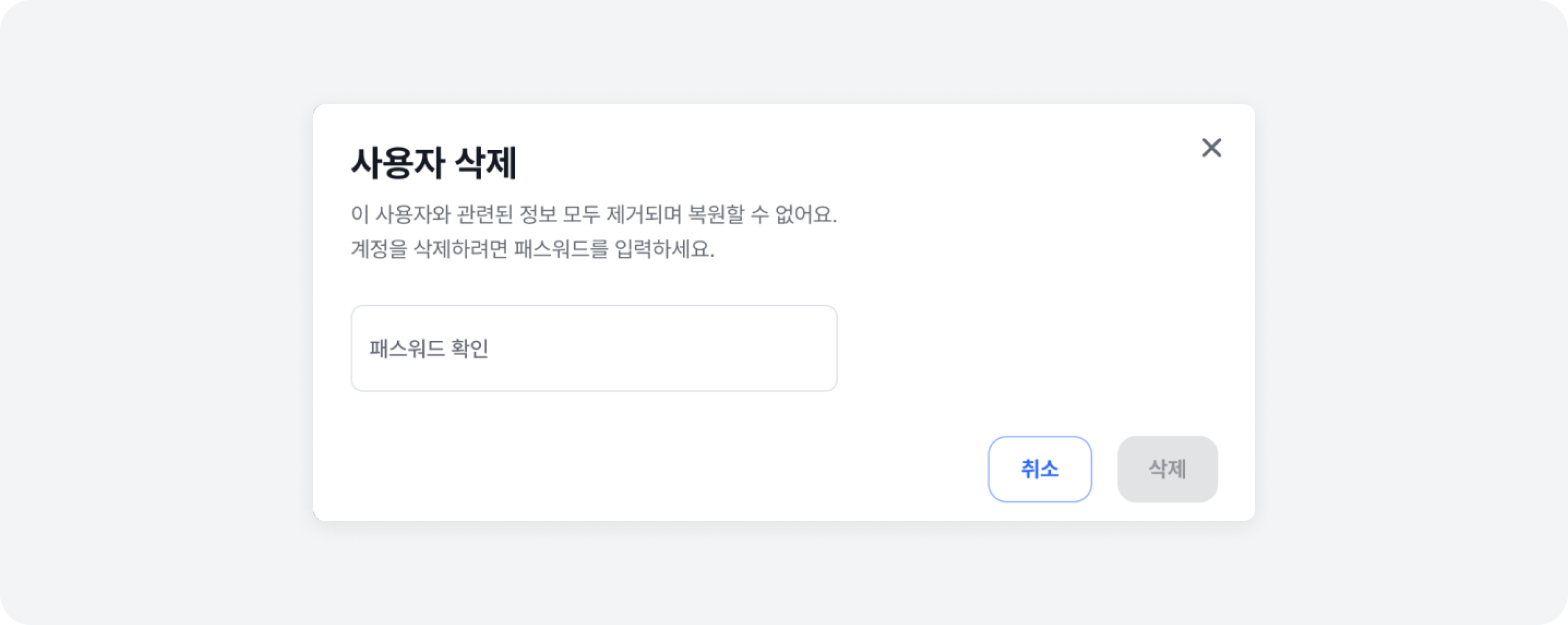
Deleting Account
Clicking on the [Delete Account] button at the bottom of the Settings page will open a modal for account deletion. To proceed, you will need to enter the current password for the account.
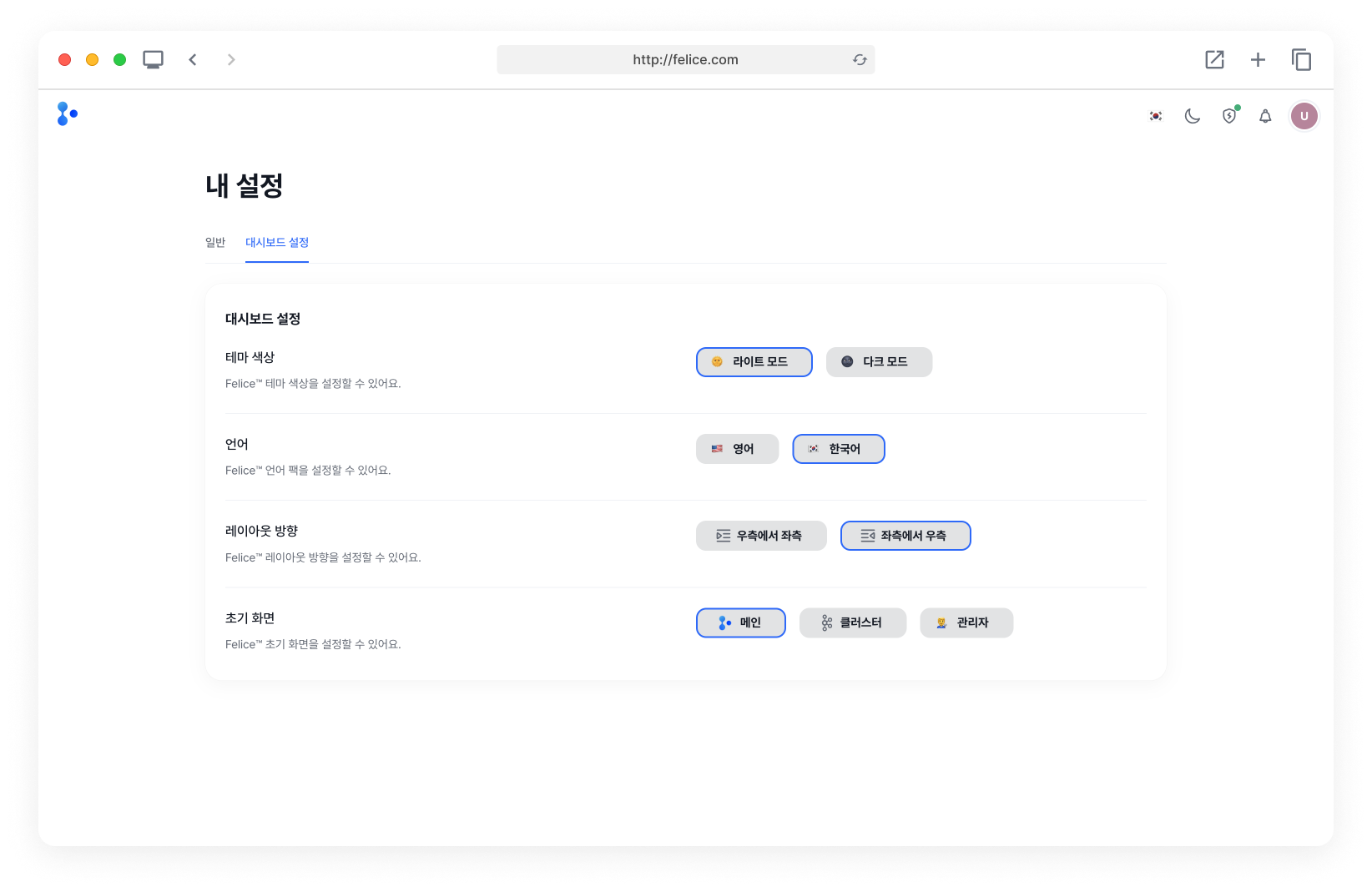
Dashboard Settings
You can customize your dashboard by adjusting the theme, language, orientation, and the initial page.
Input Information in Creating User
| Setting | Description |
|---|---|
| ⓵ Theme Color | Customize the theme color of Felice (Light/Dark Mode) |
| ⓶ Language | Customize the language of Felice (English/Korean) |
| ⓷ Orientation | Customize the orientation (Right to Left(RTL)/Left to Right(LTR)) |
| ⓸ Initial Page | Customize the initial page of Felice and routing when clicking on the logo in the top left (Main/Cluster/Admin) |
Dashboard settings are not stored per user, but are saved in the browser's cache. Therefore, when using incognito mode or accessing from a different computer, the information will be reset to default settings instead of the ones you saved.