Group
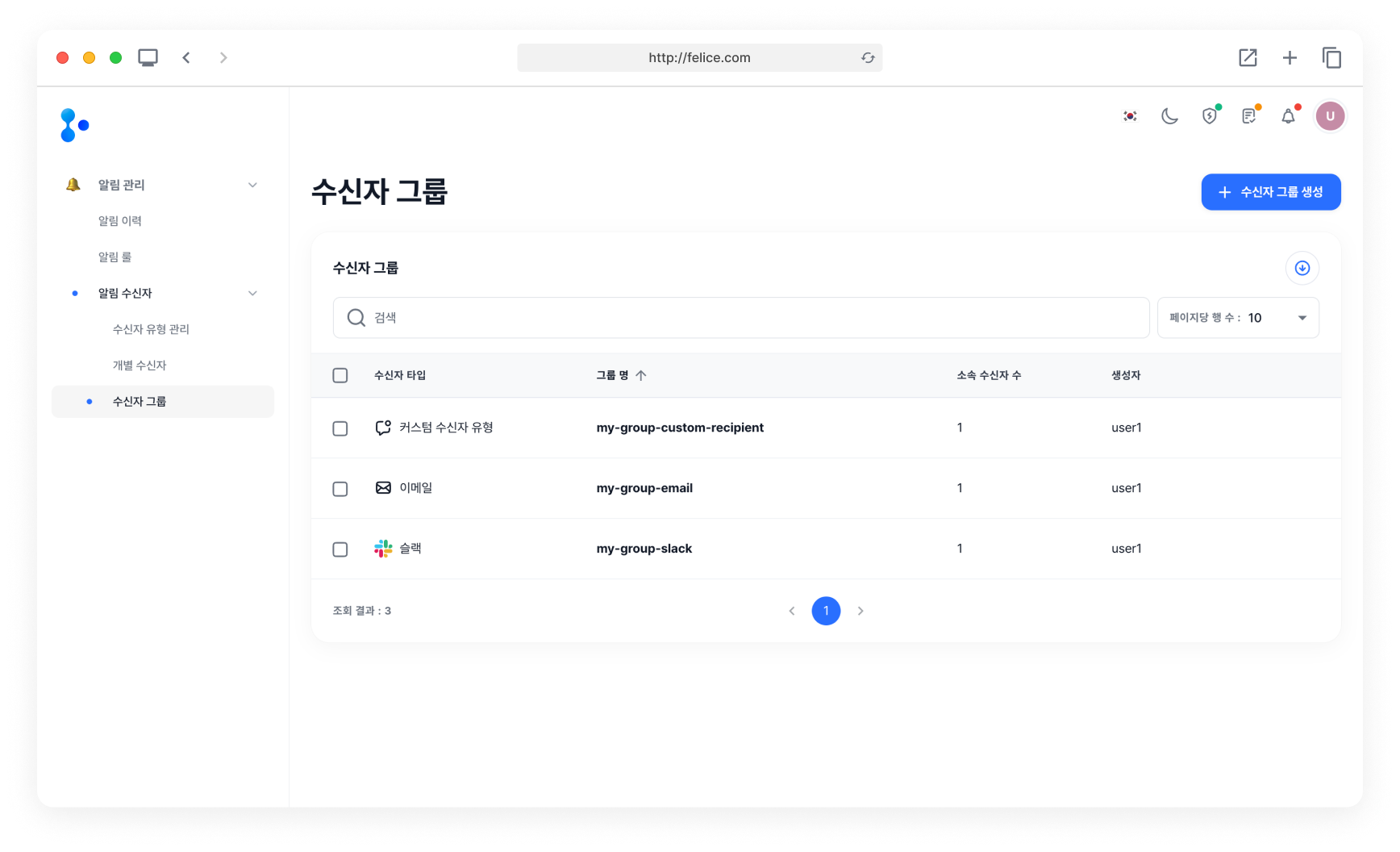
You can create groups to manage targets as a group. Groups can be created based on recipient types.
Creating Group
First, open the Group Create modal by clicking on [Create Group] button on the Group list page.

After selecting the recipient type for the group you want to create, enter the Group Name and select the targets to comprise the group. If you register a group as a recipient of an alarm rule, all targets within the group will receive the alarm.
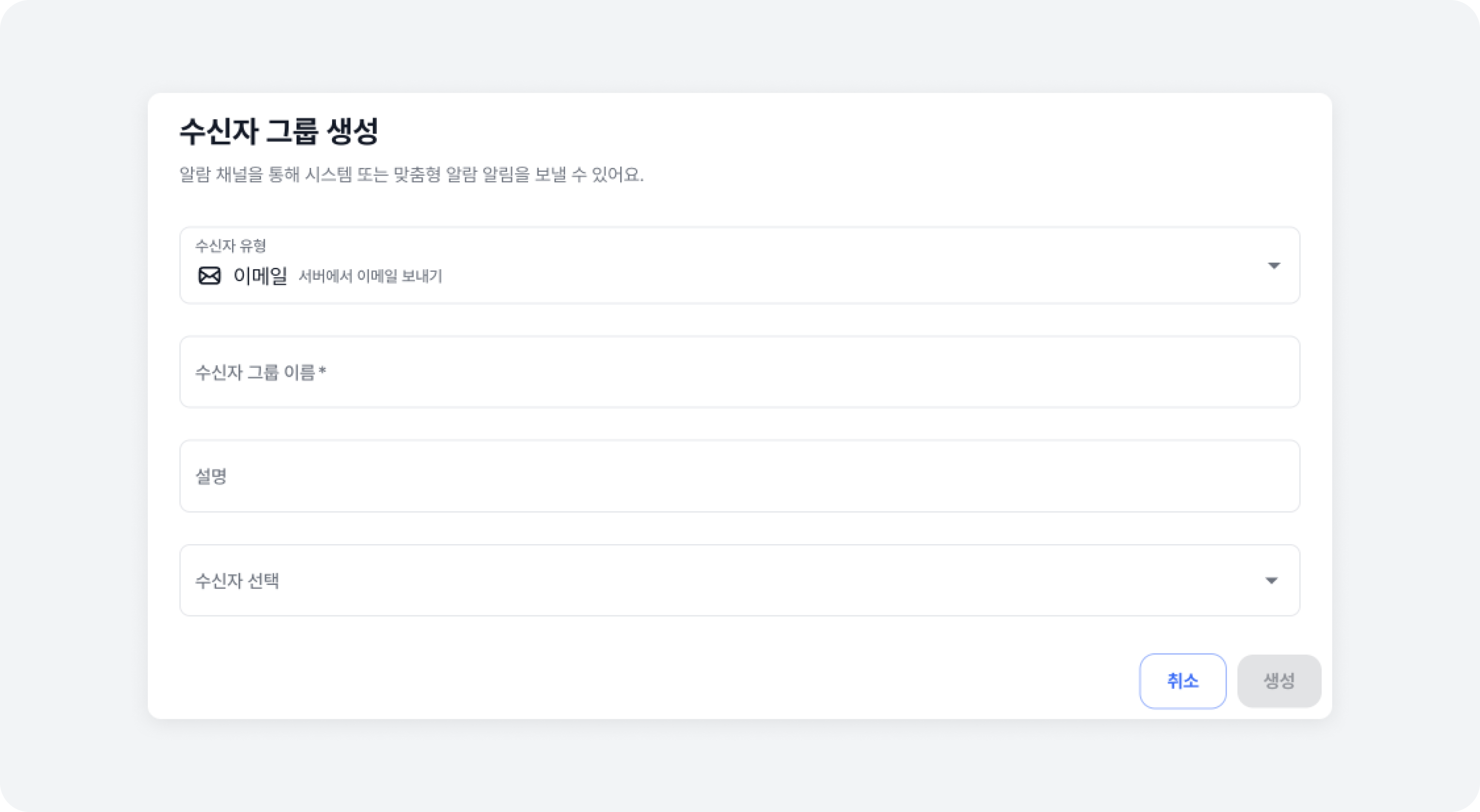
You cannot create a group without selecting at least one target. If all targets within a group are deleted (resulting in no targets left in the group), the group would not be deleted, but you will not be able to select this group when registering an alarm rule.
Deleting Group
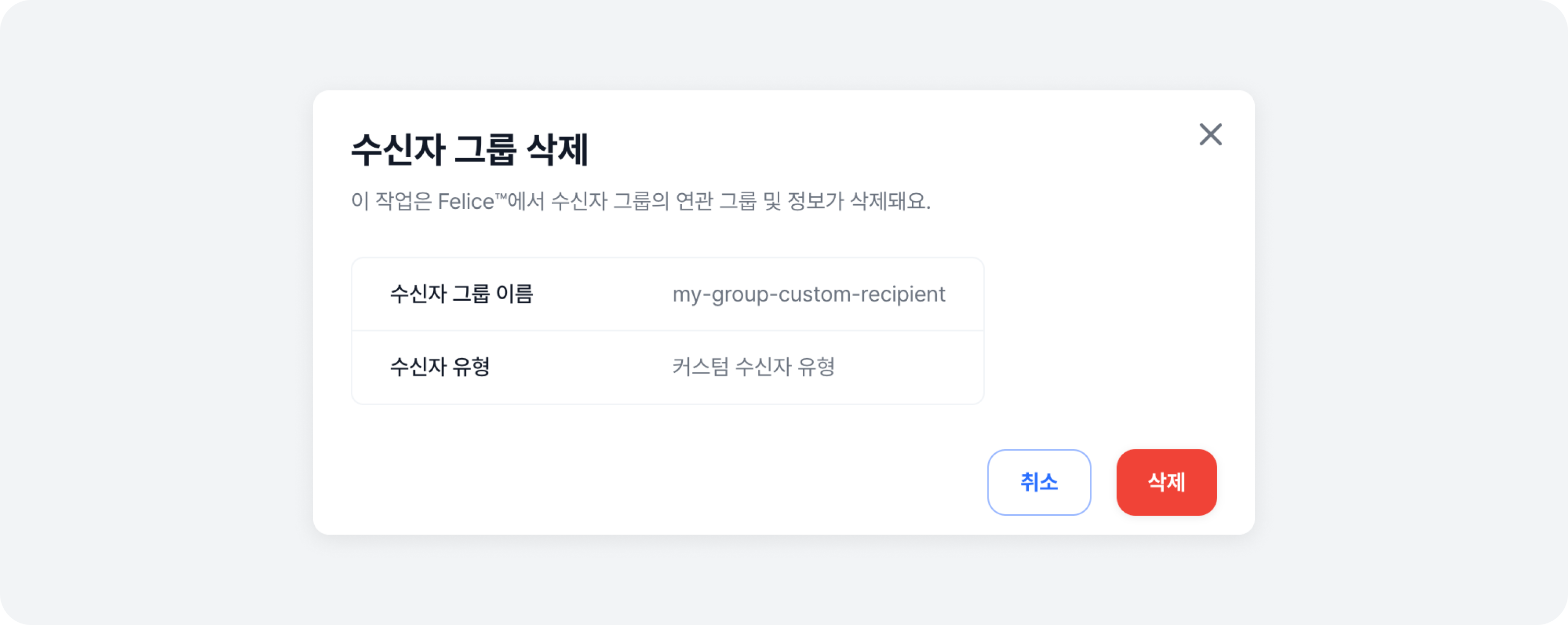
You can delete a group that you no longer use. When deleted, the group will be removed from any alarm rule it was registered in. Either select the groups you want to delete and click on the [Delete # Group] button, or click on the [Trash Can Icon] button that appears on the right of each row when you hover your mouse over the list, to delete the selected group.